Resources
Master Clear Salt System Quick Start Guide
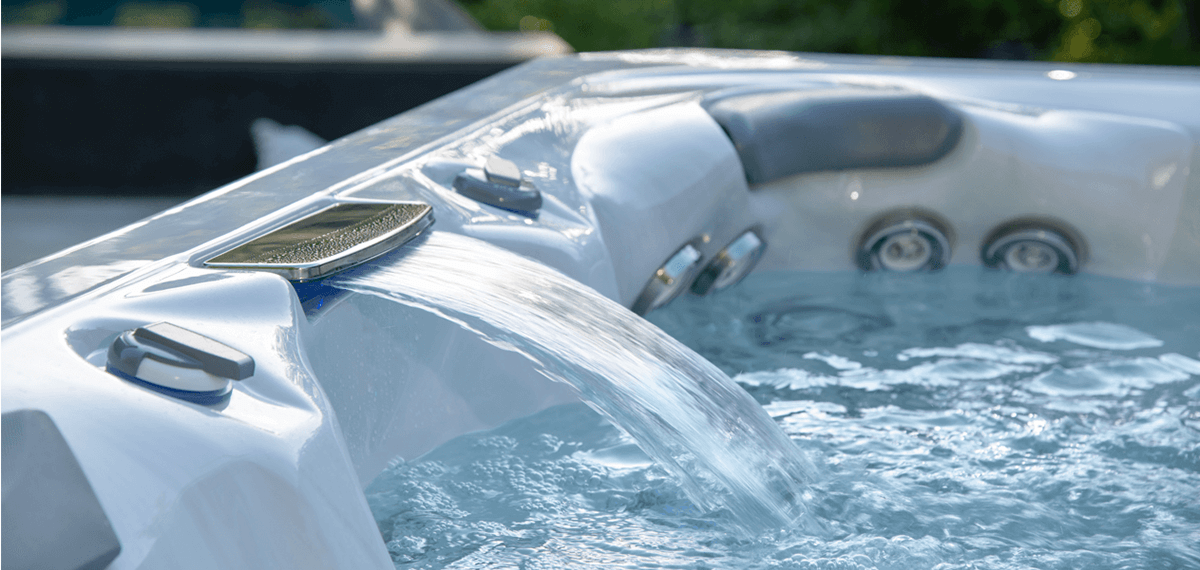
Congratulations on your new saltwater hot tub! It's time to fill and set up your spa so that you can enjoy the first of many dips. This step-by-step guide will walk you through the process of filling and balancing your water, ensuring everything is ready for you to relax.
Before you get started
Before beginning, be sure that you have:
- Master Clear® Salt System installed(either factory installed, Activation Kit, or Conversion Kit)
- Start-up Kit, which includes:
- pH Increaser - raises pH and Alkalinity
- pH Reducer - lowers pH and Alkalinity
- Oxidizer - improves water quality by oxidizing organic wastes
- Metal Protect - prevents staining from the build-up of iron or other metals
- Fast & Clear Water Boost® - provides initial water sanitation boost
- Fill Water Pre-filter - removes minerals and particles from source water, making it easier to clean, balance and sanitize spa water at start-up
- Test Strips
- Salt Plus (a highly purified granular salt formulated to dissolve easily in spa water)
- Drained and cleaned the spa
- Set of new standard spa filters (not EcoPur® Charge)
Items NOT COMPATIBLE with Salt System (DO NOT USE):
- Spa Hardness Up
- Pool chemicals
- Pool salt
TIPS:
Read through all the steps before starting.
When adding chemicals or salt, turn on all pumps to high speed, position any diverter(s) to the middle position, and sprinkle the product across the surface of the water.
Do not add to the filter/skimmer area.
Refer to the Master Clear Salt System Owner's Manual for warnings and for further details.
Initial saltwater system start-up
-
Fill your hot tub.
Replace any installed EcoPur spa filters, if equipped, with new, standard spa filters before filling with water.
(Tip: EcoPur filters have an orange handle.)
Attach the Fill Water Pre-filter to your fill hose and place into the filter housing area.
Use unsoftened water when possible; never fill with more than 50% softened water.
Fill the spa until water level reaches the max fill line (on label located in or near the filter housing).
Turn power on and prime all pumps to ensure proper water circulation from all jets. -
Add a sequestering agent.
With all pumps/jets running, add the full 16 oz. bottle of Metal Protect.
Allow water to reach desired operating temperature. This will make adjustments in the following steps easier and more stable. -
Test the water.
Test pH and Total Alkalinity (TA). Use Master Clear Test Strips or a reliable test kit, and follow the testing instructions carefully.
Target values are:
pH: 7.0 - 7.2
TA: 60 - 120 PPM -
Balance and retest.
Adjust pH and TA, using pH Increaser or pH Reducer as needed.
Allow the pump system to circulate the spa water for at least 15 minutes, then recheck the pH level.
If necessary, repeat the procedure until an acceptable level is achieved. -
Add salt.
Add the first dose of Salt Plus ONLY when pH/TA are balanced AND when spa water temperature is at or near the desired temperature (warm water helps salt dissolve).
Scoop the salt amount following the table below. These values are half the maximum total salt amount (this prevents over-salting in the initial application). With all pumps/jets running, add the salt slowly around the perimeter of the spa.
Allow the pumps/jets to run for 15 minutes to ensure the salt is completely dissolved in the water. If any salt is still observed on the bottom of the spa, run the pumps/jets for 15 minutes more or until the salt is completely dissolved in the spa water.
| GALLONS (spa water volume) | 200 | 250 | 300 | 350 | 400 | 450 | 500 | 550 |
| CUPS of Salt Plus (half of max) | 1 ⅝ | 2 | 2 ⅜ | 2 ¾ | 3 ⅛ | 3 ½ | 3 ⅞ | 4 ¼ |
-
Connect to the app.
While waiting for the Salt Plus to dissolve and absorb into the water, connect to the Master Clear Salt System app. Short instructions are below. For detailed instructions on using the app, please refer to the Master Clear Salt System Owner's Manual.
- Download the Master Clear Salt System app for your device.
- Stand within 5-feet of the spa/controller and open the app.
- Allow Bluetooth permissions and make sure Bluetooth is turned on in your phone settings.
- Follow app prompts to select the spa model or fill volume. This is required before the system will operate.
- Wi-Fi is optional. You may create/login to an account for remote access or choose "Skip for now" and use Bluetooth locally near the spa.
- Confirm that a sanitizing cycle is running. The app should show "Cancel Cycle" on the button below the Level dial indicator. If not, tap to select "Cycle Now." Bubbles should rise from the Smart Cell (located in the filter well) during a cycle.
-
Check and adjust salt levels.
Check the salt level indicator in the app with a cycle running. If the slider is below halfway, then add more salt gradually, no more than one cup at a time. Spread it evenly across the water with the pumps/jets running.
Allow the water to circulate for another 15–30 minutes, then recheck the salt level indicator in the app (while the system is running a cycle).
Repeat this step as necessary until the slider is near the center.
IMPORTANT: DO NOT ADD TOO MUCH SALT.
-
Let the spa circulate.
Before getting into the spa for the first time, allow the Master Clear Salt System to run 24-48 hours to create a sufficient level of sanitizer in the water. Verify this with a test strip before entering.
If this is the first time the spa has been filled, or if the spa was in storage for some time, or if you wish to have more immediate sanitation, slowly add Fast & Clear Water Boost® from the Start-up Kit until 2-4 parts per million of chlorine is present in the water. Be careful not to get into the water until the chlorine level drops below 5 parts per million.
IMPORTANT: After the first 24 hours, check the spa filters. Clean or replace the filters as needed (after the Metal Protect has time to work, impurities such as iron will get pulled out of the water and into the filters).
Cover
Always leave cover open for at least 15 minutes after adding any chemicals to the spa water.
| BEFORE EACH USE | Check the spa water for proper alkalinity and pH levels, and adjust accordingly. You also want to make sure the sanitizer level is within the recommended range. If the sanitizer level is low or not reading, adjust the cycle level on the controller or in the app. Only increase the cycle Level by ONE Level at a time, waiting at least 24-48 hours before adjusting further. Use the Master Clear Salt System app or controller to check salt levels. |
| AFTER HEAVY USE | The Master Clear Salt System is designed to check the sanitizer regularly and run a cycle as needed. After heavy use, it may be helpful to manually start a cycle by pressing "Cycle Now,"" in the app, or pressing the * button on the controller to immediately begin generating sanitizer. |
| ONCE A WEEK | Add oxidizer shock treatment to help with water clarity, by freeing up any combined chlorine. Test the spa water and adjust pH levels as needed. Test the spa water for sanitizer levels. If levels are below the recommended range, adjust the cycle Level, if needed. ONLY increase the cycle Level by ONE Level at a time, waiting at least 24-48 hours before adjusting further. |
| ONCE A MONTH | Soak your filter elements overnight in a container with Filter Cleaner and then rinse with clean water before re-inserting. Physically Inspect your Smart Cell and look for signs of white residue on the electrode plates. White residue indicates there is calcium buildup. If there is calcium buildup, remove the Smart Cell, and install the protective cover over the Smart Cell electrical connection in the filter area. Soak the Smart Cell in vinegar for about 15 minutes and wash it off with a hose before reinstalling in the spa. |
| EVERY 180 DAYS | Drain and refill your spa with fresh water, clean the filters, and repeat the startup procedure. |
| ONCE A YEAR | Replace the Master Clear Smart Cell. You can monitor your Smart Cell lifespan in the app or using the system controller. |
| PROBLEM | POSSIBLE CAUSES | HOW TO FIX IT |
|---|---|---|
| CHLORINE ODOR |
|
Use oxidizer/non-chlorine shock treatment |
| WATER ODOR |
|
|
| CLOUDY WATER |
|
|
| FOAMY HOT TUB WATER | High levels of body oils, lotions, soap, etc. | Add small amount of Foam Gone and check water chemistry |
| SCUM DEPOSITS AT WATERLINE | Body oils and dirt | Use multi-purpose cleaner to clean spa surface and add Oil Gone to spa water |
| CHALKY, WHITE SCALE DEPOSITS | Minerals present in the water and lack of sequestering agent use | When tub is drained, use a multi-purpose cleaner or white vinegar and scrub with a soft cloth. |
Check out our library of how-to videos and other resources.
View Resources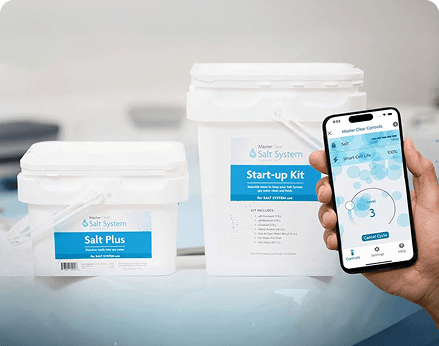
Check out our Master Clear Salt System Start Up Guide video.
View Start Up Video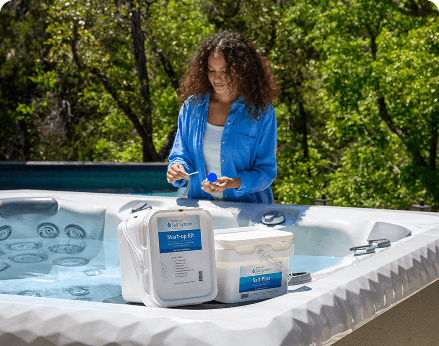
Everything you need to keep your water clean and your spa experience stress-free.
Download Owner's Manual